Summary
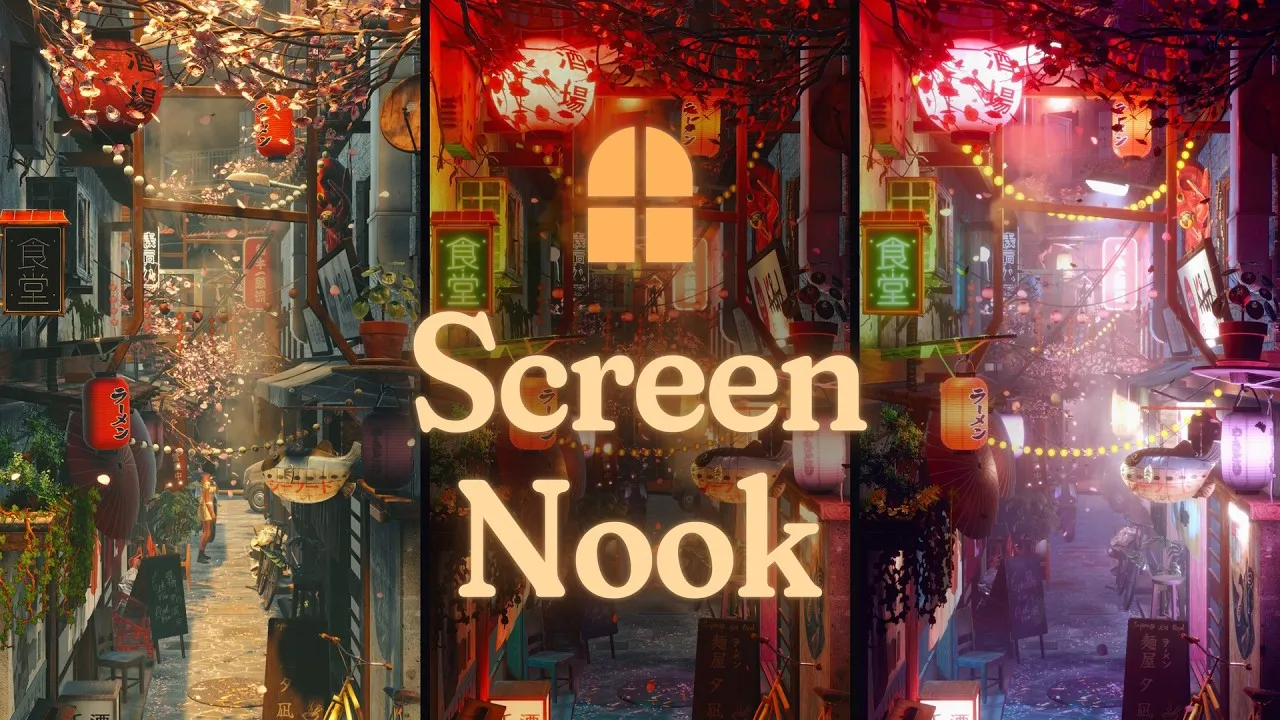
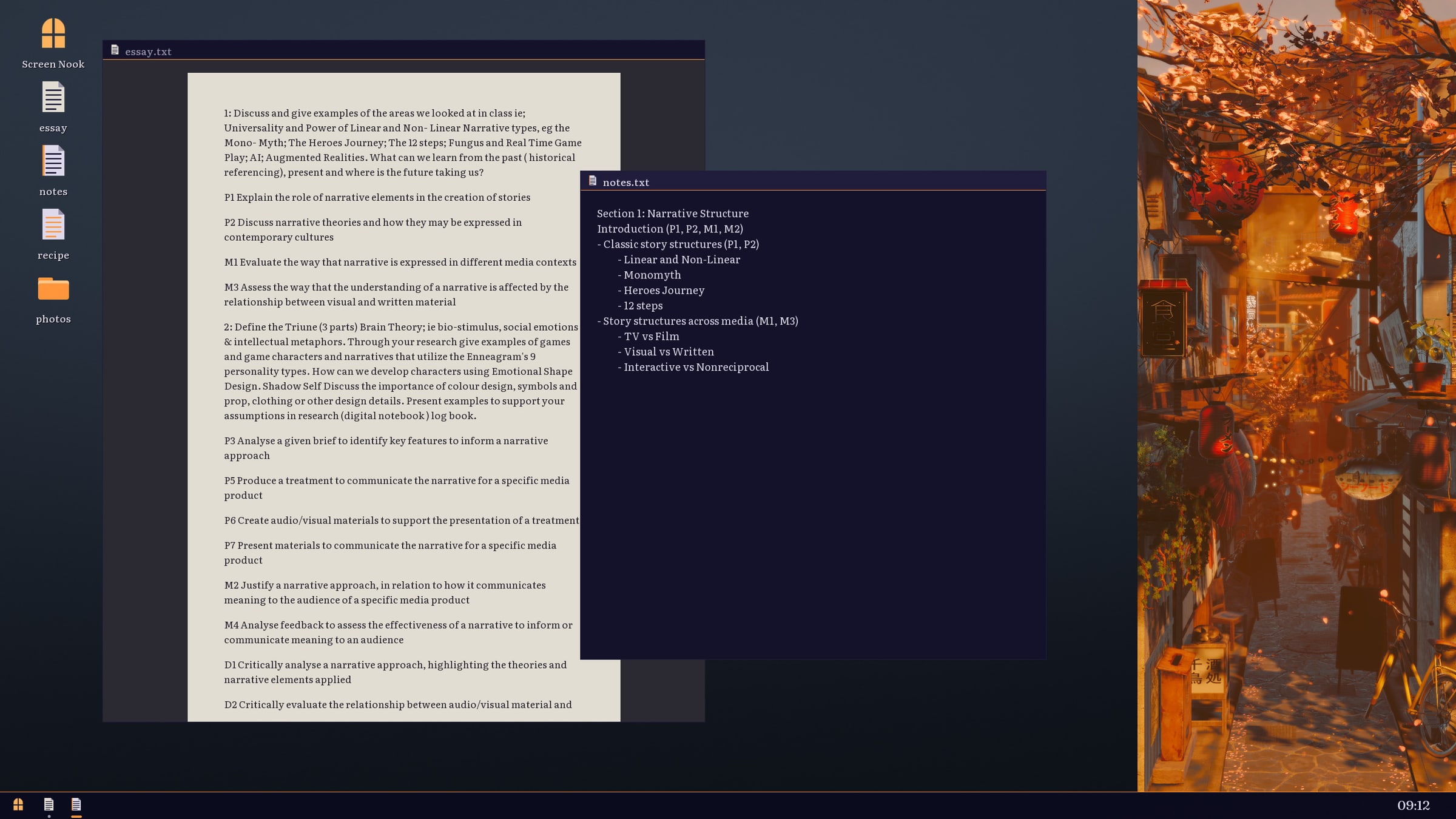
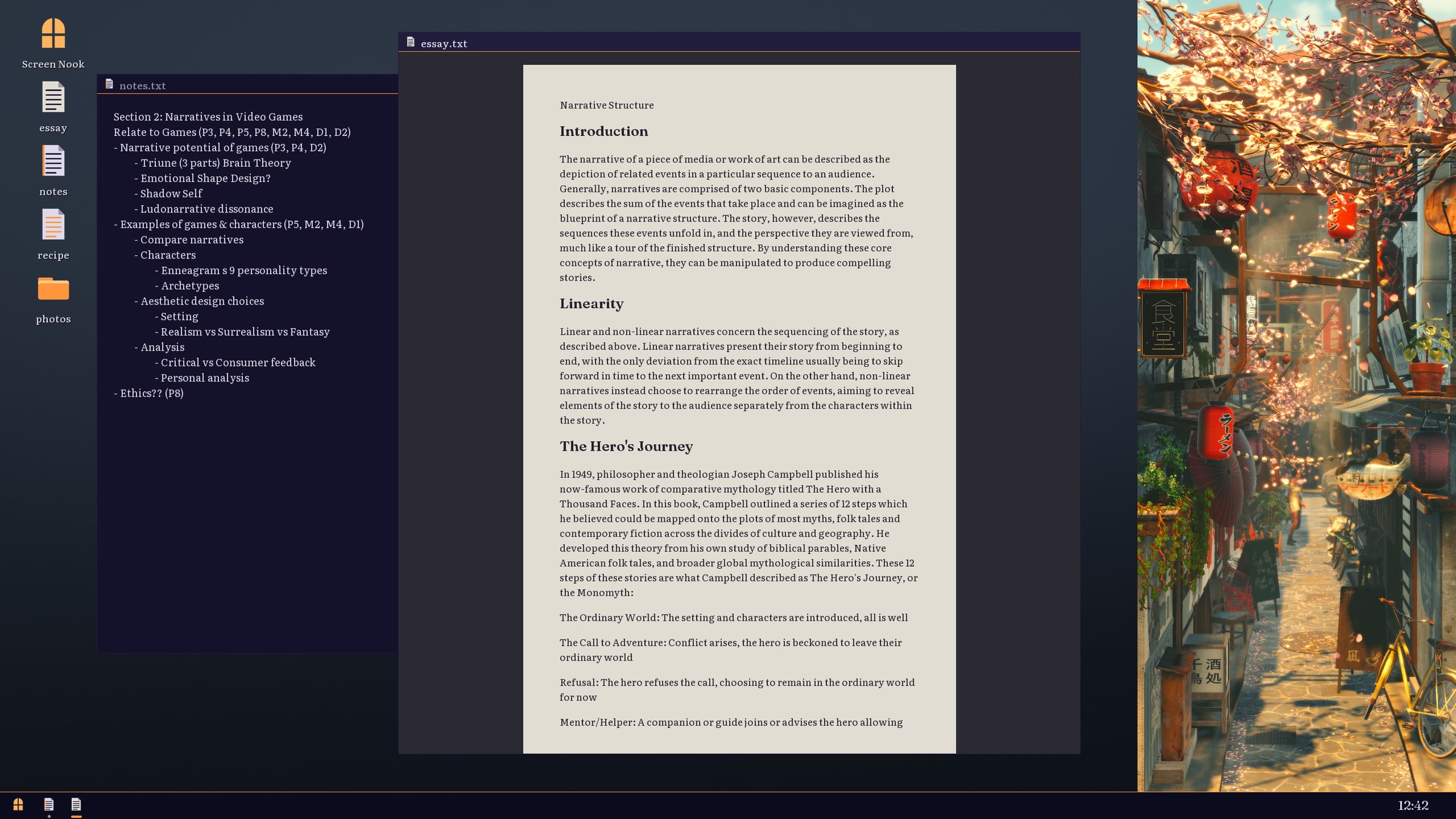
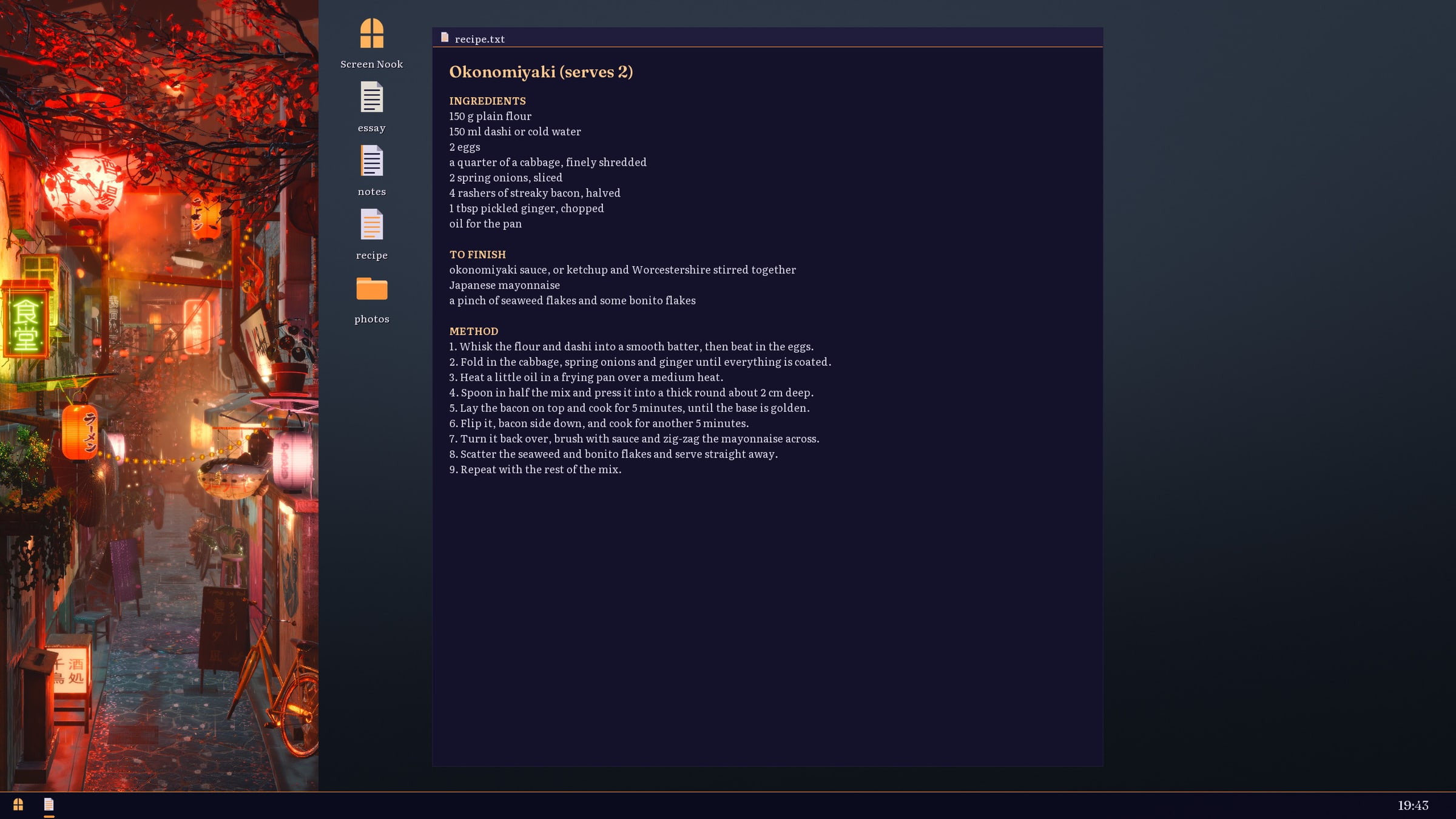
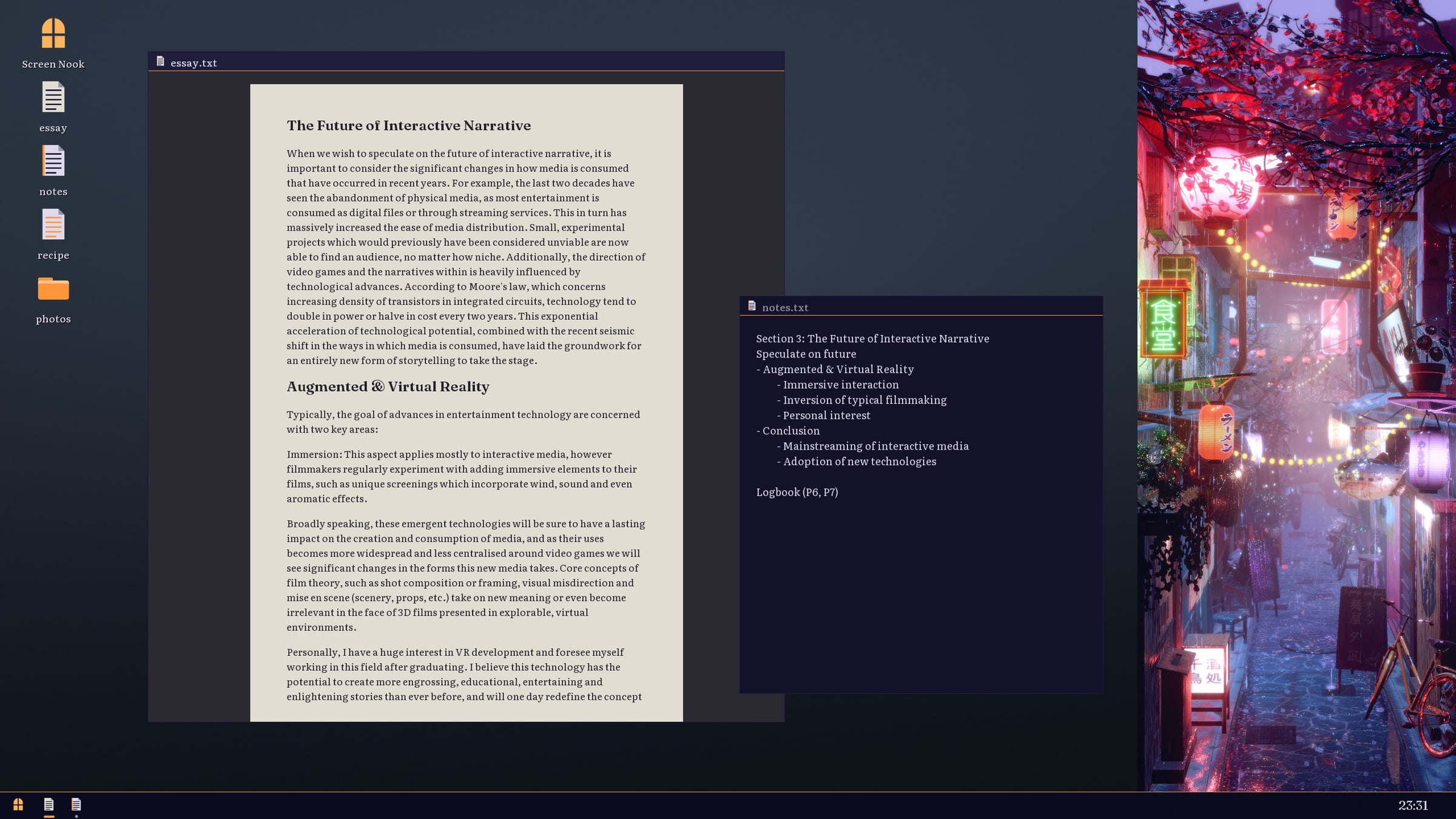
Screen Nook is a book nook for your desktop: a small, three-dimensional street in a framed window docked to the left or right edge of the screen, which follows your real day. It comes out on Steam for Windows on 1 December 2026 with three scenes, starting with a lantern street.
There is nothing to win and nothing to manage. It is made to be glanced at while you work. I am the only developer on it, and the design, code, lighting, scene dressing and store media are all my work.
The problem
Within a few seconds of seeing it, a viewer has to believe it is not a video, and nothing else the product does matters if it fails that test. So everything rests on presentation: real lighting, real depth and a real reaction to a real clock.
It also has to sit beside someone’s actual work all day without getting in the way. An ambient app that takes noticeable CPU or GPU, or that fights other windows for space, is an ambient app that gets closed.
What I built
A window that behaves like part of the desktop
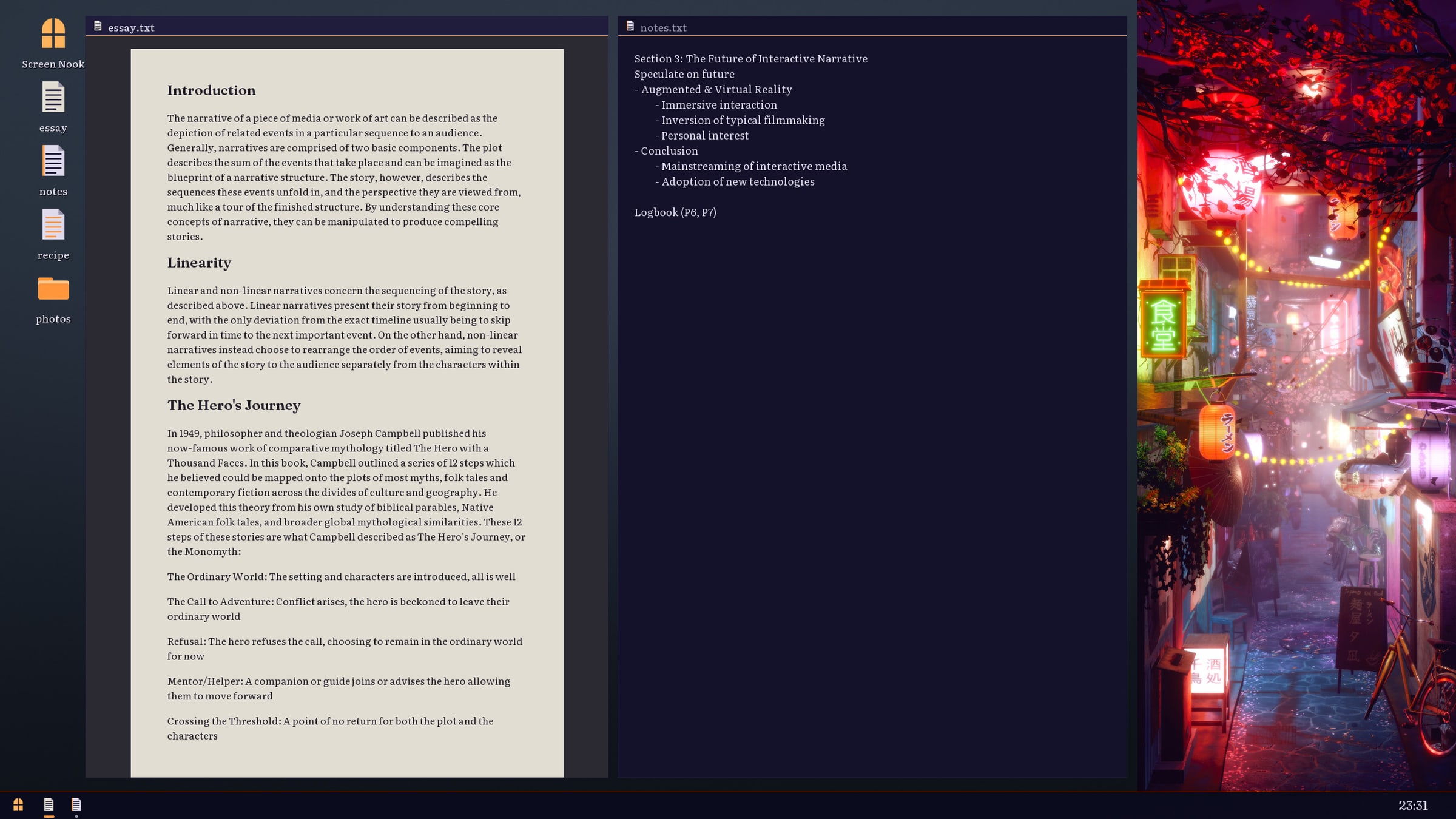
Screen Nook registers itself with Windows as an app bar, so other windows, even maximised ones, resize to fill the space beside it instead of sliding underneath. A fullscreen game or video covers it, and it comes back when that app closes. You can drag it to the other edge, or float it on top of everything.
The hard part is what happens after a crash. If the app is killed, Windows keeps its reserved strip of screen until something releases it, so on the next launch the app finds and clears its own stale reservation. That cannot be staged on a real desktop on demand, so every Windows call sits behind one interface, and a simulated shell lets the tests measure the desktop space that is actually reserved rather than trusting return codes.
A day that follows yours
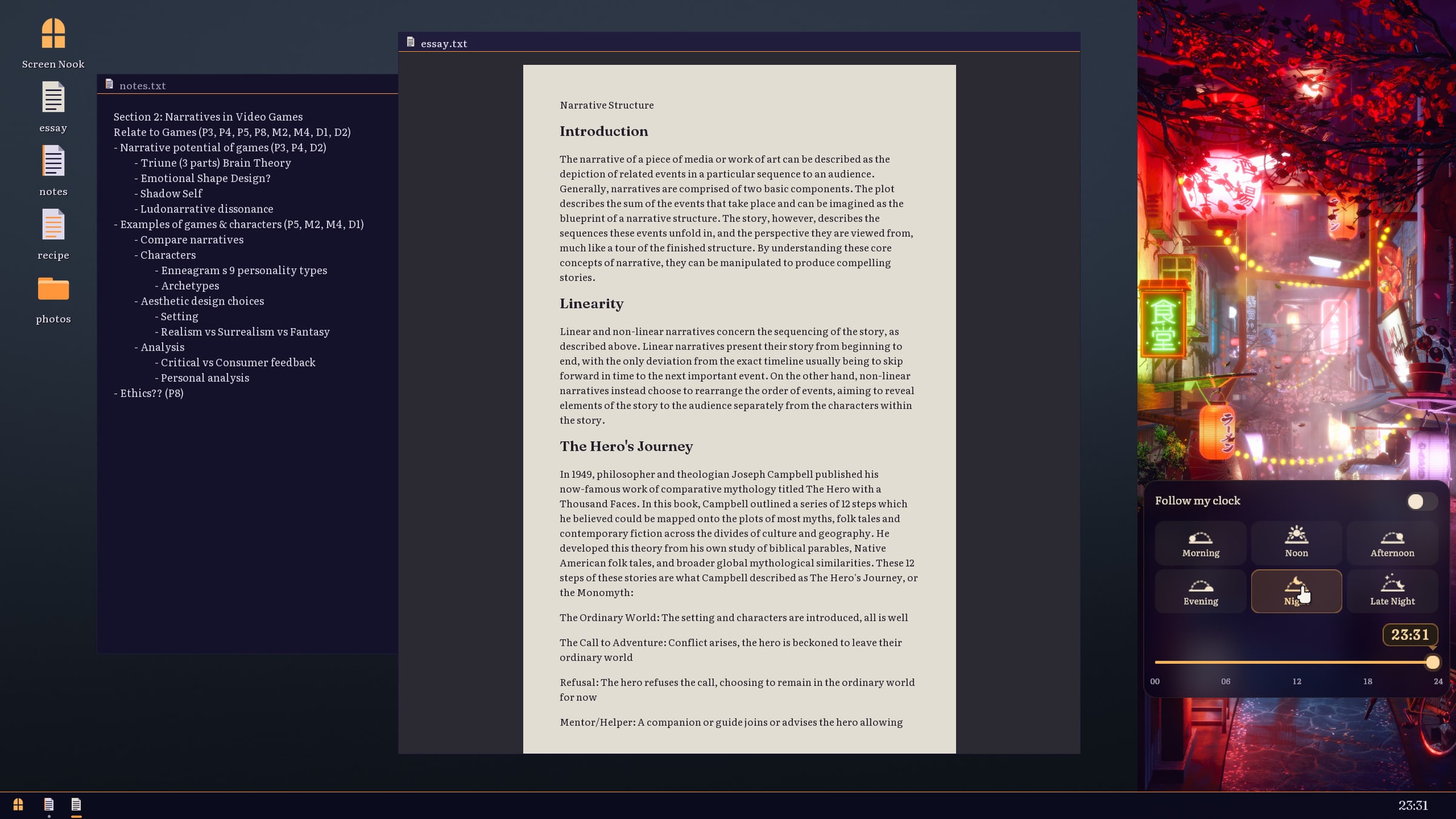
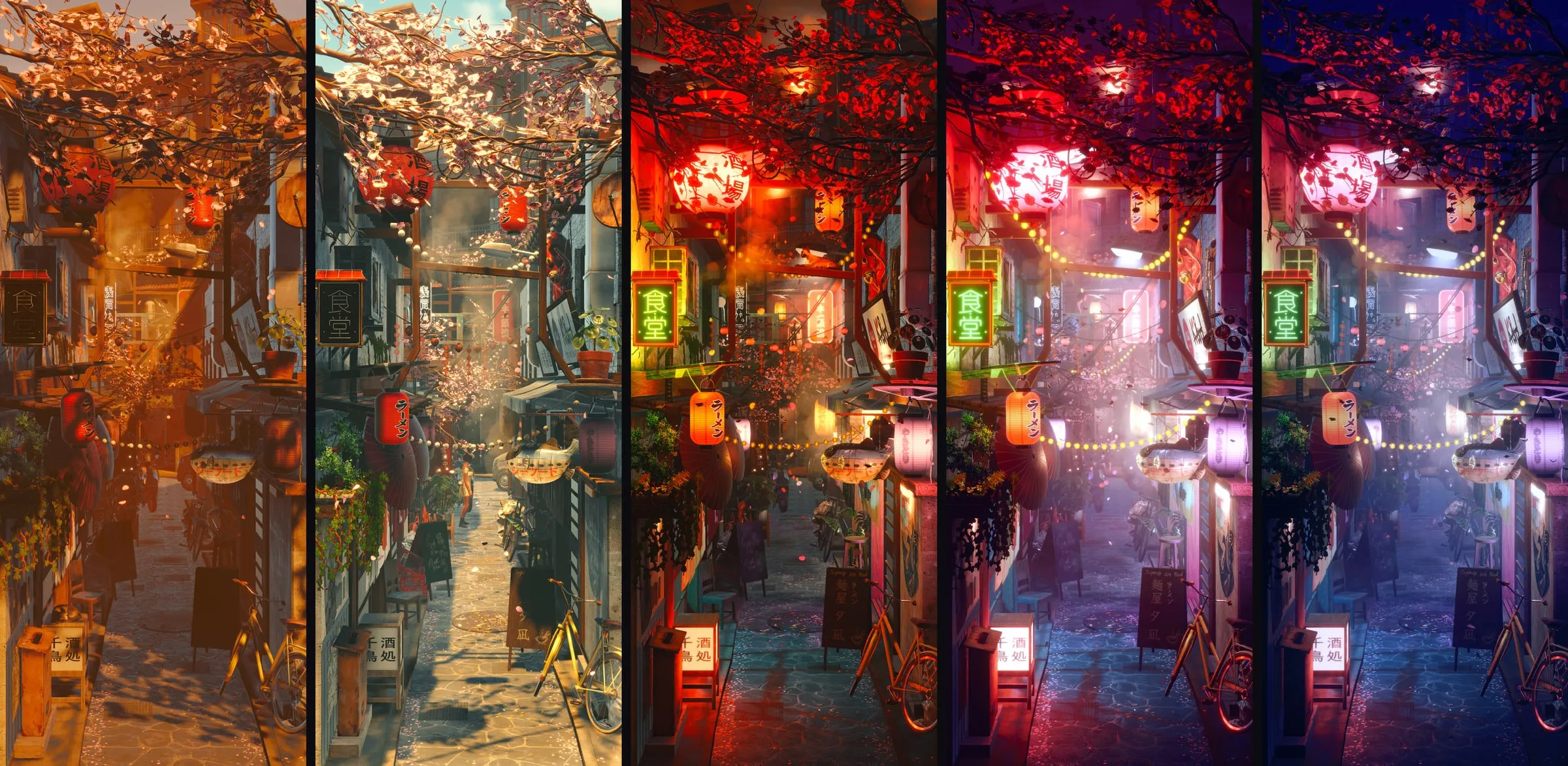
The street has six times of day, from morning to late night, each lit and colour graded by hand. They are stretched onto your local sunrise and sunset, worked out from the time zone alone with no location permission and no network, so you see every one of them whatever your latitude or season. You can also follow another city’s clock, hold the scene at one hour, or slide through the day yourself.
The sun is a real light that moves across the sky and drags its shadows with it. The softer bounced light underneath blends between four baked lighting scenarios as the hours pass. The shops light up as the evening comes in, and the lanterns burn all night.
Weather that drifts in on its own
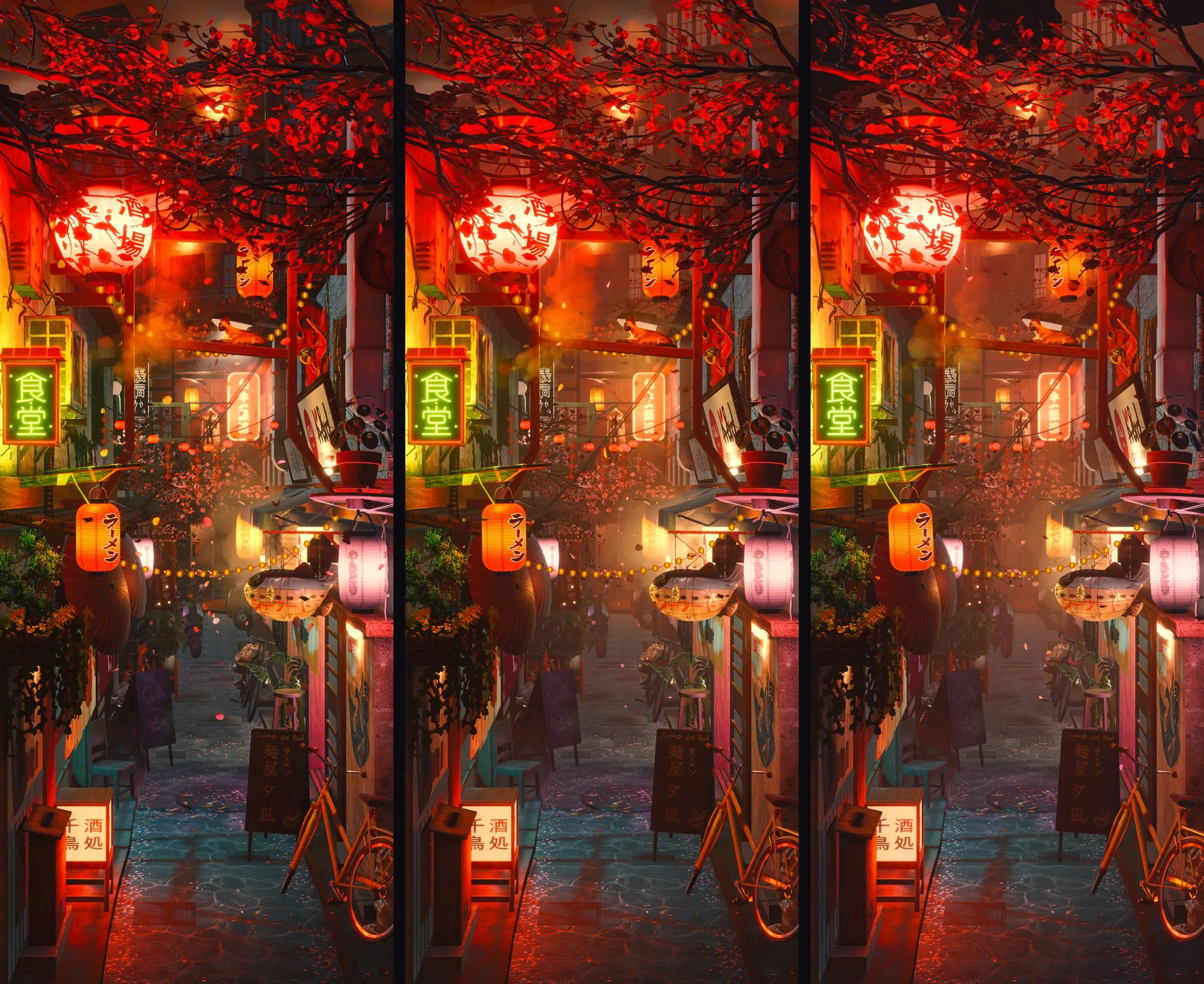
There are seven kinds of weather: clear, partly cloudy, overcast, windy, light rain, heavy rain and storm. They roll over every few hours and blend across minutes, or you can pin the one you like. A single rain level, driven by the clock, feeds everything that responds to rain: the streaks, the runoff from the roofs, and a wet street that mirrors every lantern. Wind swings the lanterns, moves cloth, plants and blossom, and dies away slowly after a gust.
Life in the street
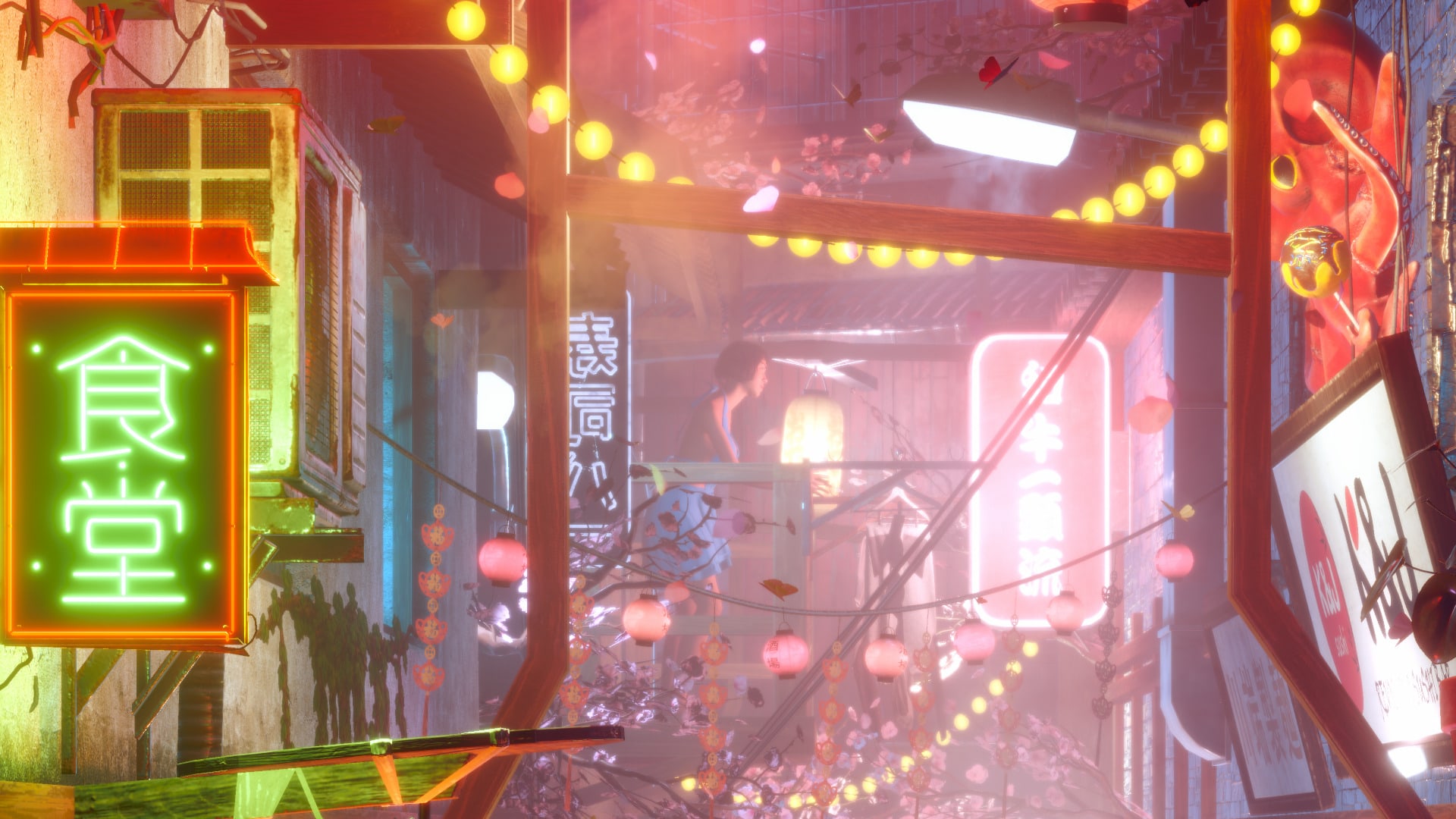
Petals fall through the lamplight, moths find the lanterns at night, a cat keeps an eye on the street, and a neighbour leans on her balcony rail. They are a presence rather than characters, and none of them reacts to you.
Behind them is an ambient life system built for the scenes to come as well as this one. It runs characters and animals on schedules against the clock, moves them along routes that are checked against the scene’s geometry so nothing walks through a wall, keeps people indoors when it rains, and gives the cat its own places to sit, lie down and sleep. The animals can be switched off in settings.
Proof that it is really 3D
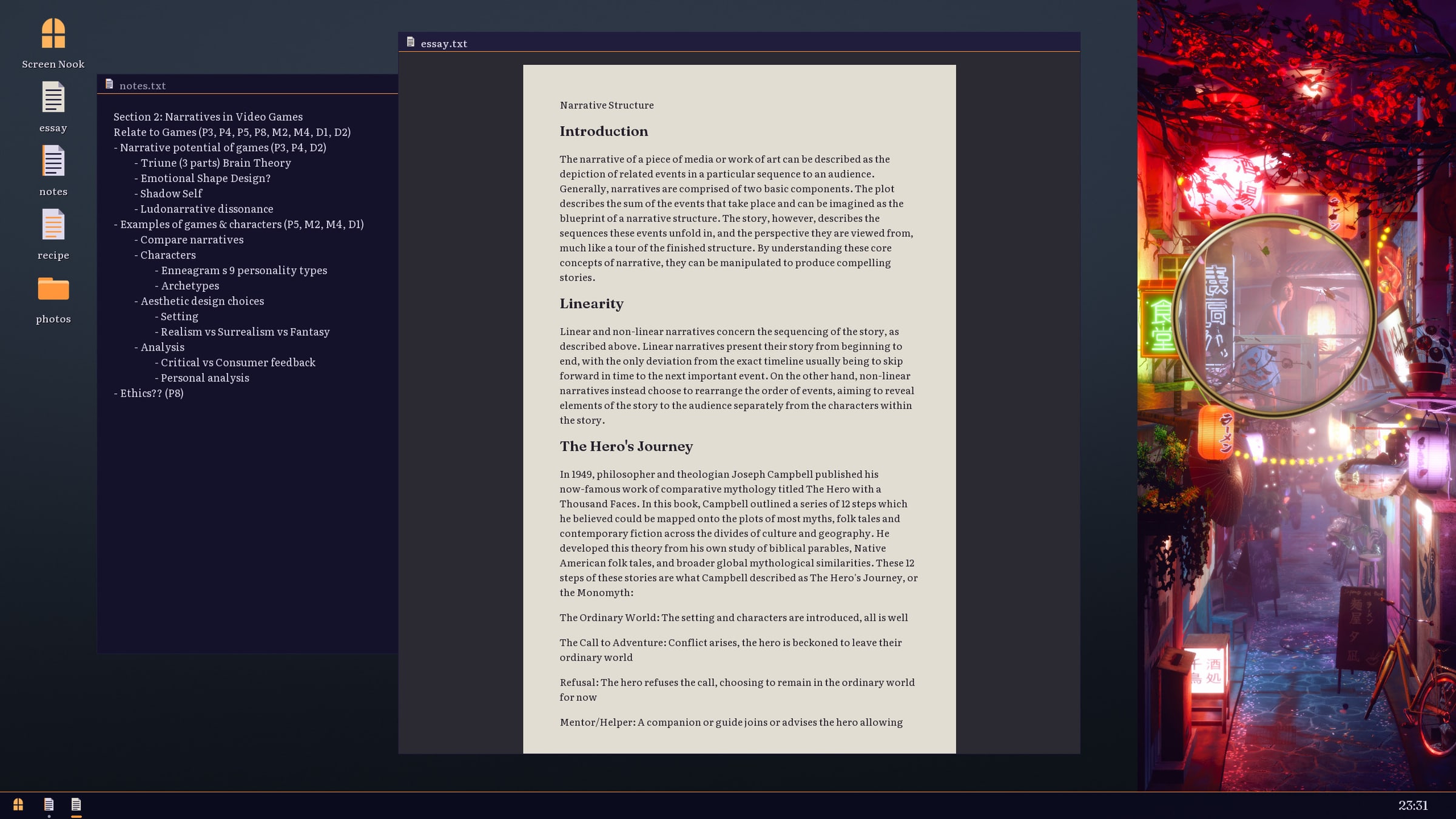
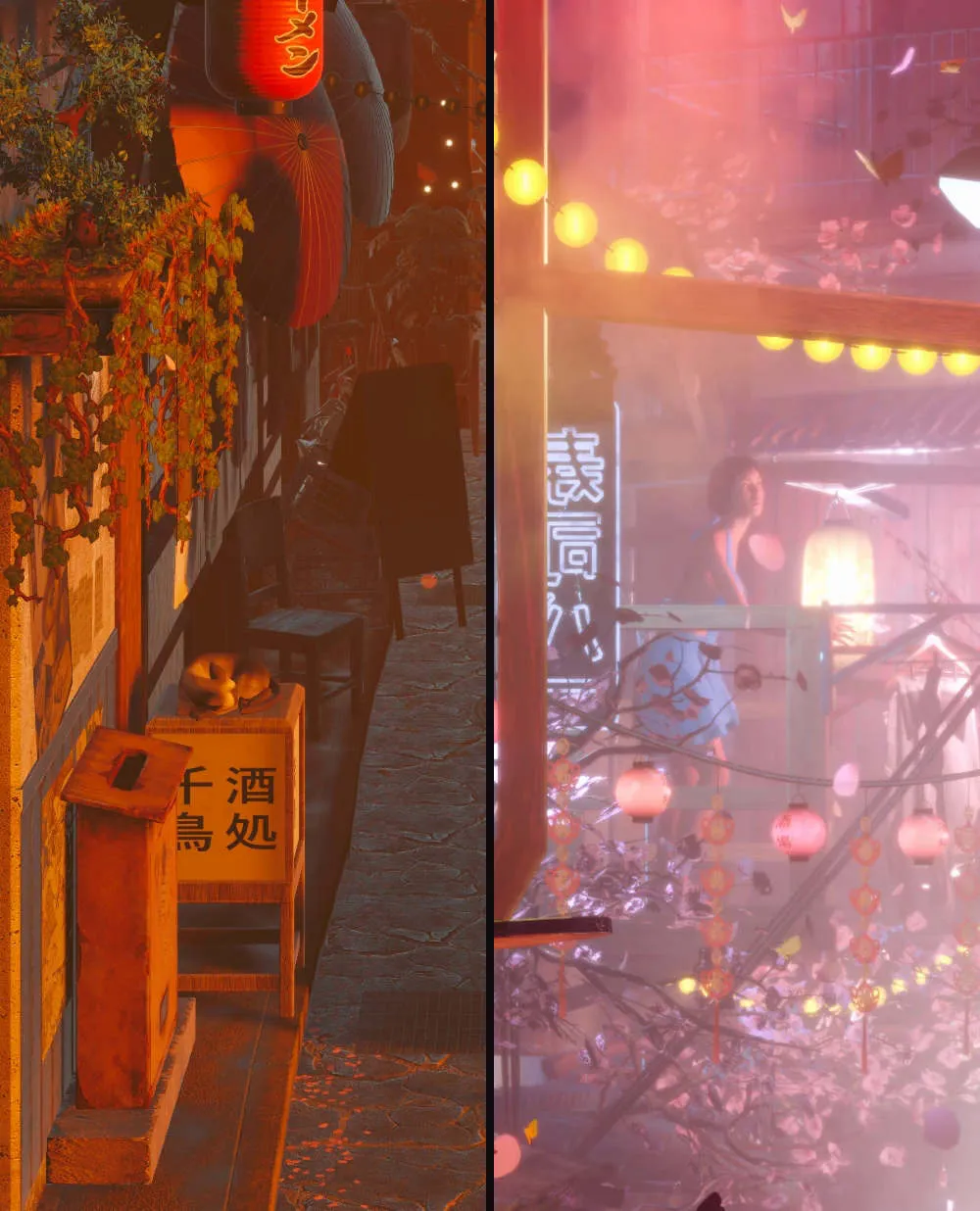
Bring the cursor close and the street shifts slightly in depth while the focus slides from the nearest lantern to the far end. A magnifier lets you lean in and read the shop signs. It is a second camera that renders only the part of the view under the lens, at a higher resolution, and matches the main view in colour to within one per cent.
Sound
The street has its own ambience that changes with the hour and the weather, with rain, wind and thunder on a channel of their own. Ambience, weather and music each have their own volume, and every sound fades in and out slowly so nothing pulls your attention.
Staying out of the way
One component decides the frame rate from whether the window is visible, focused or near the cursor, and from whether the machine is on battery. Nothing else is allowed to set it. There are quality and battery settings, reduced motion, text size and an easy-read font, launch at startup and close to tray, and the whole interface works from the keyboard. The app is in ten languages, including Chinese, Japanese and Korean.
The street itself
To make a 3D scene read like a book nook, the geometry is tapered towards the back with a forced-perspective vertex deform. A projection matrix cannot do this, because it needs the width of the scene to change with its depth, so the deform runs per vertex. It is anchored to the scene rather than the camera, so it stays still while the view moves.
One rule shaped the rest of the art pipeline: ground plates are cut to size, never scaled. Scaling a mesh scales its texture with it, so a ground plate shrunk to fit ends up with tiny cobblestones next to full-size buildings. An editor tool clips plates at their original scale instead.
Technical detail
Unity 6 LTS on URP Forward+, Windows only, with every Windows-specific call isolated behind one platform layer. The direct light is a realtime sun; the indirect light is baked into adaptive probe volumes and blended on the clock. The architecture rests on eleven written invariants, among them a single wall-clock spine that every time-dependent system reads from, and a strict line between simulation state and what is drawn. The reactivity layer reads the system clock and how long since the last input, never the keyboard itself, and none of what it reads leaves the machine.
Matching the street to a reference render taught me to measure a grade with percentiles rather than an average. Average brightness had been tuned to almost exactly the reference and the frames still did not match: the shadows were seven times too bright and the highlights a third too dark, and the two cancelled out. That is now written up as a grading guide for the scenes that follow.
The optimisation pass kept only the changes that measured faster in a real release build, and reverted the ones that did not, including GPU-resident drawing, mesh combining and baked occlusion culling. Measured on my own PC, the state the app spends most of its time in went from 36% to 18% of one CPU core, which is about one per cent of the whole processor, and a rainy night went from 85% to 35%.
Screen Nook is also where I learned to build test harnesses for agentic development. A coding agent can make a lot of changes quickly, and the harness is what makes those changes safe to accept: about 1,300 automated tests that run in both forward and reverse order to catch tests that depend on each other, and a full player build on every check, because a clean compile proves only that the editor works, not that every shader variant does. Most of the project’s code is tooling of this kind rather than the app itself, including the capture pipeline that renders every store image, trailer clip and website loop from a shot list and checks each one against its size and quality budget before it is used.